Top Meta Ads Metrics: Track What Actually Matters
December 15 , 2025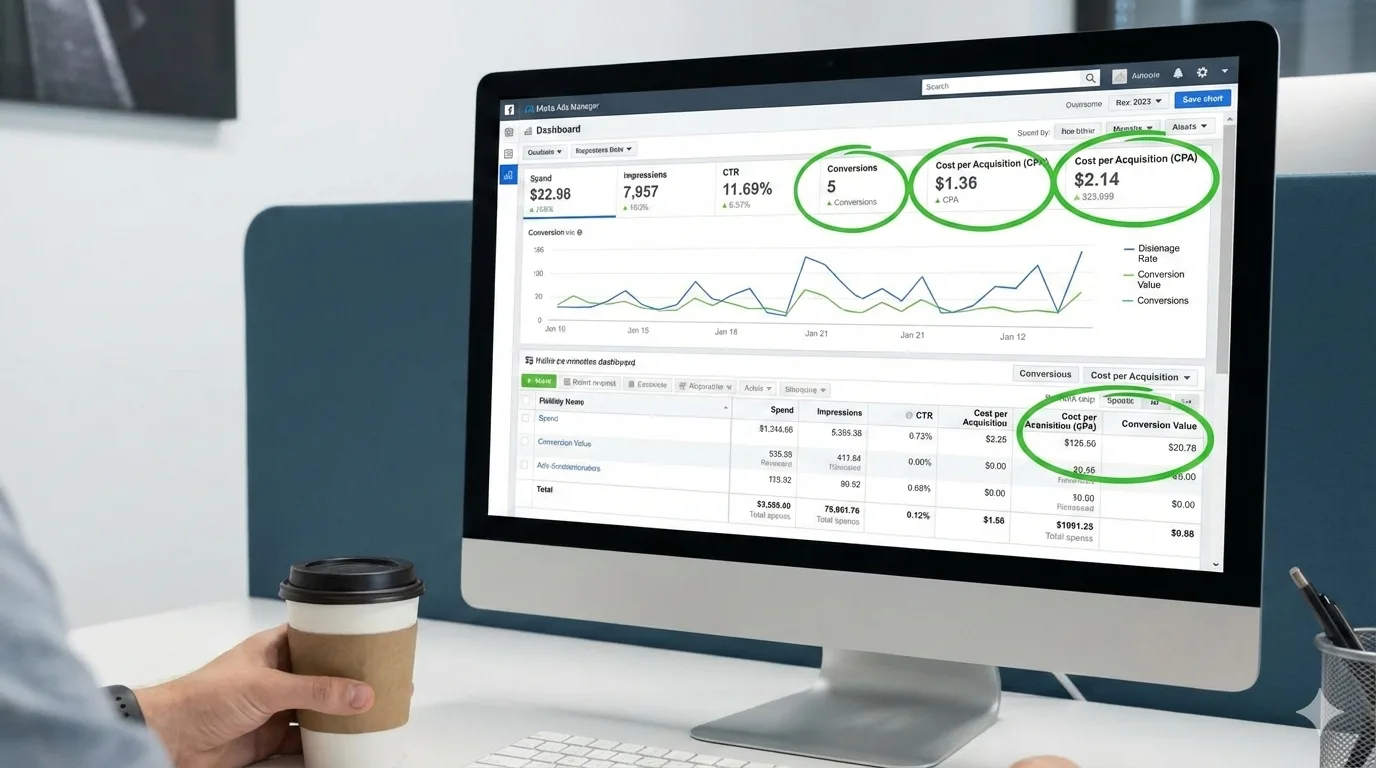
Track the right numbers. Stop wasting money.
Most people running Meta ads watch the wrong metrics. They obsess over impressions. They celebrate big reach numbers. Then their campaigns flop.
Here’s what actually moves the needle for different campaign types.
Awareness Campaigns: Reach and Frequency
What to measure: Reach, frequency, and cost per thousand impressions (CPM).
Reach tells you how many unique people saw your ad. Frequency shows how many times the average person saw it. If your frequency is above 3, you’re oversaturating your audience – people get annoyed and ignore you.
What’s good? A reach above 50,000 for a small business. Frequency between 1.5 and 2.5. CPM depends on your industry, but anything under $5 is solid for awareness work.
What’s bad? Reach under 10,000 means your budget is too small or your targeting is too narrow. Frequency above 4 wastes money on people who already saw your message.
Fix it: If reach is low, broaden your audience. If frequency is high, reduce daily budget or pause the campaign for a week and restart.
Engagement Campaigns: Reactions, Comments, Shares
What to measure: Engagement rate, cost per engagement, and click through rate.
Engagement rate = (total engagements ÷ impressions) × 100.
This tells you if your creative actually resonates. Comments and shares beat likes. They mean people care enough to speak up.
What’s good? Engagement rate above 2% is strong. Cost per engagement under $0.50 is healthy. Click through rate above 1.5% means your copy is pulling people forward.
What’s bad? Engagement below 0.5% says your creative isn’t landing. Most people see it and scroll past. Click through rate below 0.5% means your offer isn’t compelling enough.
Fix it: Test different creative angles. Try video instead of static images. Change your headline. Test with social media marketing services if you’re overwhelmed – sometimes fresh eyes spot what you missed.
Lead Generation Campaigns: Cost Per Lead and Quality
What to measure: Cost per lead (CPL), lead quality score, and conversion rate.
Cost per lead is simple: total spend ÷ number of leads. But here’s the catch – not all leads are equal. A lead that’s genuinely interested is worth 10x more than someone who clicked by accident.
Quality means: Are these people actually buying? Track how many leads turn into customers. That’s your real number.
What’s good? CPL depends on your industry, but anything where your customer acquisition cost is 3x lower than customer lifetime value works. If leads convert at 10% or higher, you’re golden.
What’s bad? High CPL with low conversion rate is a killer. You’re paying too much for bad leads. Also watch out for click fraud – Meta had the andromeda update to crack down on this, but it still happens.
Fix it: Tighten your targeting. Exclude people who already bought from you. Test different landing pages – sometimes the ad is fine but the page kills the deal. Ask leads qualifying questions in your form to filter out tire-kickers.
Conversion Campaigns: ROAS and Cost Per Purchase
What to measure: Return on ad spend (ROAS), cost per purchase, and conversion rate.
ROAS = revenue ÷ ad spend. This is the metric that matters most because it ties directly to profit.
A ROAS of 2:1 means for every dollar spent, you made two dollars. Not bad. A 4:1 ROAS is excellent. Below 1:1? You’re losing money.
What’s good? ROAS above 3:1 for most brands is really solid. Conversion rate above 2% is strong. Cost per purchase varies wildly by product, but if it’s under half your product price, you’re fine.
What’s bad? ROAS below 2:1 is trouble. Conversion rate under 0.5% says something’s broken – either the audience, the creative, or the landing page. Cost per purchase that’s half or more of your profit? That’s unsustainable.
Fix it: Start with your landing page. Most issues live there. Is it mobile-friendly? Does it load fast? Test different offers. Sometimes “free shipping” works better than a discount. Analyze which traffic source converts best and scale it. Cut the underperformers hard.
Video Campaigns: View Rate and Completion Rate
What to measure: Video view rate, 25%, 50%, 75%, and 100% completion rates, and cost per view.
These metrics show where people drop off. If half your audience bails at 10 seconds, your hook is weak. If they make it to 50% but not 100%, your middle section drags.
What’s good? Completion rate above 50% is solid for awareness. For conversions, aim higher – 75% or more. Cost per view under $0.01 is excellent.
What’s bad? Completion rate below 25% means your video isn’t engaging. Cost per view above $0.05 suggests your video isn’t compelling enough to people clicking away.
Fix it: Front-load your value. The first 3 seconds are everything. If it’s a product demo, show the benefit immediately. Hook them emotionally first. Test shorter videos – 30 seconds beats 2 minutes most of the time. And honestly, the worst videos often have zero music or sound design.
Attribution Windows: Don’t Ignore This
What it is: The timeframe Meta uses to credit a sale or conversion to your ad.
A 7-day click attribution window means Meta counts any purchase someone makes within 7 days of clicking your ad. A 1-day view window counts purchases from people who saw your ad once in the last day.
Why it matters? Your ROAS looks better with longer windows. A 28-day window will show higher returns than a 7-day window, even if nothing changed. But it also takes longer to get data.
What to do: Don’t compare campaigns with different attribution windows. Stick with 7-day click for most work. If you’re selling something with a longer decision cycle (like courses or coaching), use 28-day. Just keep it consistent so you’re comparing apples to apples.
The Learning Phase: Wait Before Panicking
What it is: The first 50 conversions (or ~7 days, whichever comes first) after you start or significantly change a campaign.
During this time, Meta’s algorithm is still figuring out who to show your ad to. Your metrics will look scattered. Your ROAS might bounce around. Your cost per purchase might seem high.
Don’t kill the campaign during learning phase. This is the biggest mistake people make. They panic, pause the ad, start over, and never give Meta a chance to work.
Let it run. Once you hit 50 conversions, Meta has learned. That’s when your metrics stabilize and usually improve.
What to do: Budget for the learning phase. Expect your numbers to be soft for the first week or so. If after 50 conversions your metrics are still terrible, then make changes. But pulling the plug at conversion 15? That’s wasting your own money.
What to Ignore (Even Though Meta Shows It)
Impressions and reach alone. Vanity metrics. A million impressions with zero conversions is worthless.
Frequency without context. High frequency is only bad if engagement and conversions drop. Sometimes people need to see your ad 5 times before they buy.
Cost per click. Clicks don’t pay bills. Sales do. A cheap click that doesn’t convert is expensive.
The System That Works
- Set your goal first. Are you building awareness? Getting leads? Selling something? Different goals need different metrics.
- Track one primary metric. For conversion campaigns, it’s ROAS. For awareness, it’s CPM and reach. For leads, it’s CPL and conversion rate. Don’t chase 10 numbers at once.
- Compare to your baseline. You need to know what “normal” looks like for your business. Last month’s data is more useful than an industry benchmark.
- Test one variable at a time. Change the creative, measure it. Change the audience, measure it. Not both. You’ll never know what worked.
- Act on bad metrics fast. If something’s underperforming after 100 conversions or 10,000 impressions, pause it. Waiting kills your budget.
The Bottom Line
Stop looking at every number Meta throws at you. Pick the metrics that match your goal. Watch them weekly. Kill what doesn’t work. Scale what does.
The best ads aren’t the most creative. They’re the ones that make money.
Popular Post
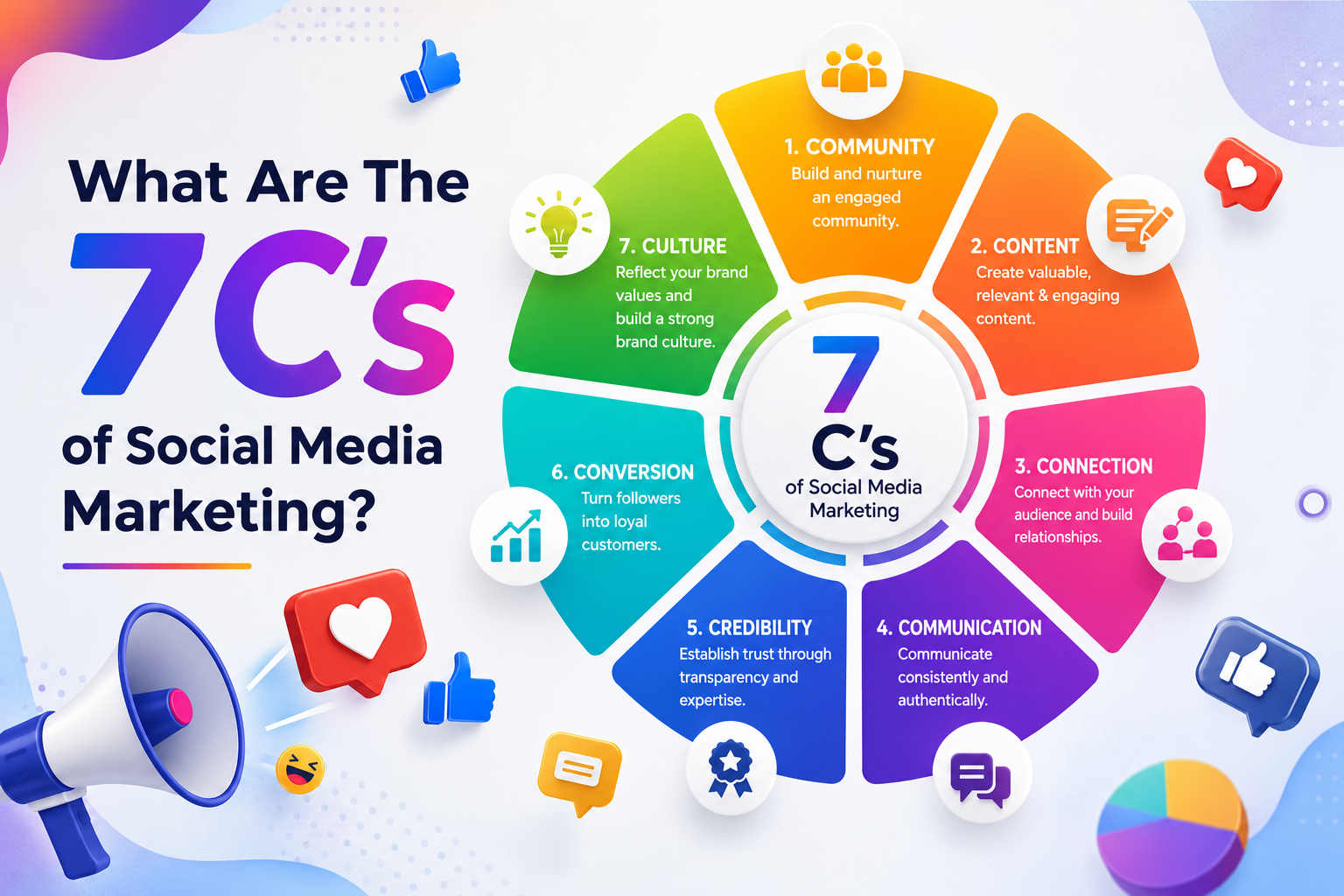
What Are The 7 Cs of Social Media Marketing?
The 7 Cs of Social Media Marketing are Content, Community, Conversation, Connection, Consistency, Credibility, and...
Google Removed FAQ Rich Results, But FAQs Still Help AI Find and Cite Your Website
Short Answer: Yes, FAQs Still Matter More Than Ever Google removed FAQ rich results. A...

How Social Proof and Trust Signals improves Conversion Rate
Social proof and trust signals work. Full stop. Products with just 5 reviews sell 270%...
