The Conversion Rate Optimization Checklist for Different Website Types
December 12 , 2025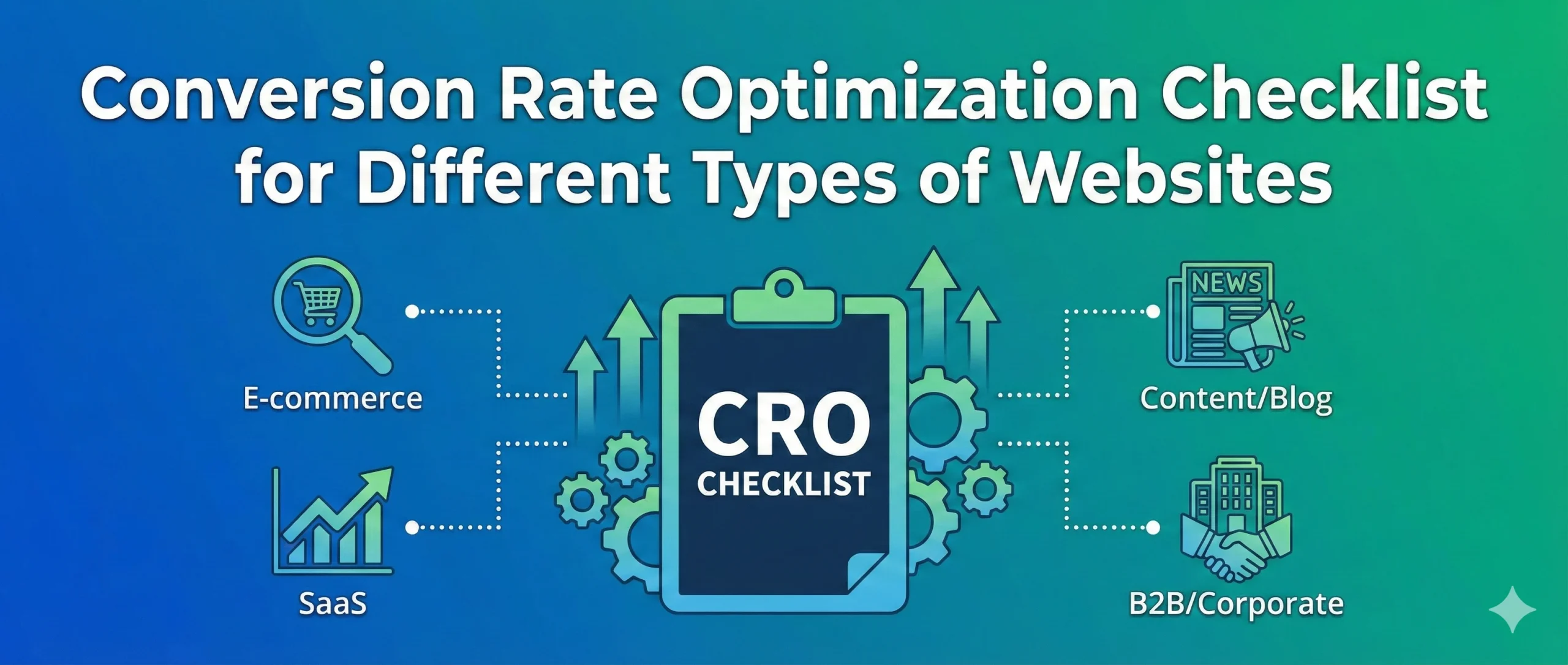
Why Your Website Isn’t Converting (And It’s Not What You Think)
Business owners pour thousands into building beautiful websites. They invest in traffic. They launch ads. They build email lists. But then something goes wrong-visitors come, look around, and leave without doing anything. No purchase. No call. No signup. Just bounce rates that keep climbing.
Most websites have a silent killer that nobody talks about. It’s not about design trends. It’s not about having more features. And honestly, it has nothing to do with luck.
Here’s what actually happens: Most websites are built without understanding how their specific audience behaves. An ecommerce store needs different things than a coaching website. A SaaS platform works differently than a home services business. But most business owners treat them all the same-they build generic websites and hope something sticks.
The truth is, visitors don’t stay on websites that feel like they weren’t built for them. They leave instantly when they can’t find what they need in the first five seconds.
The Real Problem Most Business Owners Face
Think about the last time you visited a website looking for something specific. How long did you stay if you couldn’t figure out what the business actually offered? Maybe two seconds? Three seconds?
Now imagine that happening to every person visiting your site. Every single day.
Here are the actual frustrations playing out across websites right now:
- Slow loading times kill conversions before visitors even see your message – Most sites with high-resolution images and complex scripts lose half their traffic before the page fully loads
- CTAs disappear into the background – Visitors scroll past without knowing what action to take next
- Forms feel like interrogations – Ten-field forms ask for too much, making people bounce before submitting anything
- Mobile visitors get a broken experience – Buttons are too small, text doesn’t flow properly, checkout requires constant zooming
- No social proof anywhere – Visitors see zero reviews, no testimonials, nothing showing that real people trust this business
- Checkout processes are confusing labyrinths – Three-page checkout flows turn buyers into window shoppers
- Nobody knows where to find contact details – Email addresses and phone numbers are buried four clicks deep
- Analytics are a mystery – Site owners have no idea which pages work or which ones need fixing
- The website looks different on every device – Desktop looks fine, mobile looks broken, trust instantly disappears
- Values aren’t clear from the headline – Visitors don’t immediately understand what makes this business different
The frustration is real. Business owners know something is wrong, but they can’t pinpoint exactly what. They feel stuck because generic “website design best practices” don’t account for how different businesses actually work.
Why Common Solutions Actually Make Things Worse
Most business owners try the obvious fixes first. They chase design trends. They add more features. They hire expensive agencies to completely redesign everything.
But here’s the problem: None of these approaches fix the actual root issue.
When someone buys a premium template or gets a flashy redesign, they’re treating symptoms, not the disease. The website might look prettier, but if it’s still not built specifically for how that particular business converts people, nothing changes. Visitors still bounce. The phone still doesn’t ring. The shopping carts still sit abandoned.
The catch? Most websites aren’t failing because they’re ugly. They’re failing because they’re not optimized for their specific type of business and their specific audience. An ecommerce store needs product videos and guest checkout options. A coaching website needs booking calendars and personal brand trust-building. A real estate site needs before-and-after photos and service area maps.
Generic fixes never work. That’s why business owners end up spending money on redesigns that don’t move the needle.
The Real Root Cause: One Framework That Changes Everything
Here’s what actually works: Understanding that every business type needs a different optimization strategy.
Instead of redesigning everything, you need a checklist built specifically for what you do. That checklist becomes your roadmap. You don’t guess anymore. You don’t chase trends. You follow the actual conversion principles that work for your business model.
This is where conversion rate optimization comes in-but not the complicated, expensive version. The simple version. The version where you run through a checklist, fix the obvious problems, and watch conversions start climbing.
The shift happens when you move from “what looks good” to “what actually converts people in my industry.”
Introduction: What Conversion Rate Optimization Actually Means
Conversion rate optimization (CRO) is exactly what it sounds like: making sure more of your website visitors actually do something valuable.
That something depends on your business. For an ecommerce store, it’s a purchase. For a service provider, it’s a call or form submission. For a SaaS company, it’s a signup or free trial. For a coach, it’s a consultation booking. Every business has a different “conversion.”
Here’s why it matters for US business owners right now: Every percentage point increase in conversion rate is pure profit. You don’t need more traffic. You don’t need more ads. You just need your existing traffic to convert better.
Let’s say your website gets 1,000 visitors a month and currently 2% convert. That’s 20 customers. If you increase that to 3% conversion, you’ve got 30 customers from the same traffic. That’s a 50% revenue increase without spending a penny more on advertising.
Think about that. A 1% improvement could mean an extra $10,000 to $50,000 a month for many businesses.
In this guide, we’re sharing two things:
- A universal checklist that works for every website type (the foundation)
- Specific checklists for different business models (the customization)
Use both together, and you’ll catch the issues that are actually holding you back.
What Is Conversion Rate Optimization? (Understanding the Basics)
Conversion rate optimization is the practice of making changes to your website so more visitors take the action you want them to take.
Simple definition: CRO is the science of removing barriers between your visitor and the action you want them to complete.
Examples of conversions (depending on your business):
- Lead generation form submission (name, email, phone)
- Phone call
- Product purchase
- Free trial or freemium signup
- Appointment booking
- Newsletter signup
- Download of a guide or checklist
Here’s the critical part: Every website type needs CRO, but not in the same way. An ecommerce site focuses on removing checkout friction. A SaaS company focuses on free trial signups. A real estate agent focuses on quote requests and consultation bookings.
CRO directly impacts three things that drive revenue:
- More revenue from the same traffic – You’re not paying for more visitors; you’re just converting better
- Building trust with your audience – A well-optimized site feels professional and trustworthy
- Better marketing ROI – Every dollar spent on ads generates more return when your site converts better
The Universal CRO Checklist (These Apply to Every Website)
No matter what you sell or who you serve, these fundamentals apply. Go through this list and honestly assess where your site stands.
A. Speed & Core Experience
- Page loads under 3 seconds – If your site takes longer, people bounce before they even see your message
- Clean, uncluttered layout – Visitors should know what to focus on without feeling confused
- Easy navigation – People find what they’re looking for in two clicks or less
- Clear call-to-action (CTA) – Your main action (buy, call, sign up) is obvious above the fold
B. Trust & Security
- HTTPS enabled – Your site shows the green lock (not the red warning)
- Contact details visible – Phone number and email are easy to find on every page
- Real reviews and testimonials – At least a few customer voices show on your site
- Clear policies – Refund policy, privacy policy, shipping policy, or cancellation terms are accessible
C. Content & Messaging
- Clear headline that states your benefit – Someone landing on your home page knows what you do in six seconds
- Benefits-focused copy – You explain what changes for the customer, not just what your product does
- Strong value proposition – Why should someone choose you over the competitor down the street?
- Social proof throughout – Reviews, case studies, client logos, testimonials sprinkled across pages
D. Mobile Optimization
- Responsive design – Your site looks good on phones, tablets, and desktop without the visitor doing anything
- Touch-friendly buttons – Buttons are big enough to tap without accidentally hitting the wrong thing
- No full-screen pop-ups on mobile – Intrusive pop-ups that block the entire screen make people leave immediately
E. Tracking & Analytics Setup
- Google Analytics 4 installed – You actually know how many people visit and what they do
- Conversion pixels and tags – You can track which visitors actually completed your goal
- Conversion tracking enabled – Your analytics shows exactly how many actual conversions happened
- Heatmap tools (optional) – See where visitors click, scroll, and spend time on your pages
F. A/B Testing Basics
- Test different CTAs – Try “Get Started” versus “Schedule a Call” and see which one converts more
- Test different headlines – One focused on benefits, another on urgency-measure which one works
- Test layout variations – Different page layouts attract different visitors; find your winner

Conversion Rate Optimization Checklist for Different Website Types
Now that you’ve covered the basics, here’s what matters specifically for your business type. Don’t repeat the universal items-just add these on top.
Ecommerce Website CRO Checklist
These sites live or die on checkout completion rates. Your focus here is removing every possible reason someone abandons their cart.
- Product images with zoom capability – Customers want to examine items closely; high-res zoomable photos reduce returns
- Product videos – Video of the product in use increases trust and decreases returns significantly
- Crystal clear pricing and any offers – No hidden fees, no surprises at checkout
- Minimal checkout steps – Three steps maximum; each additional step kills 10-15% of conversions
- Guest checkout option – Don’t force registration before purchase; many buyers bounce when forced to create an account
- Cart recovery email automation – Capture abandoned carts with a simple email reminder
- Product recommendations – Show related items that customers might want (increases average order value)
- Trust badges at checkout – Security seals, money-back guarantees, and payment method logos on the final page
Lead Generation Website CRO Checklist (Service Businesses)
Service-based businesses need different conversion rate optimization services focused on form submissions and trust-building, not transactions.
- Short, simple forms – Ask for name, email, and phone. That’s it. Additional fields cut conversions by 50%
- Clear “Why Choose Us” section – Explain what makes your service different from the competition
- Local trust elements – Mention your US location, local awards, years in business, and your phone number prominently
- Lead magnet above the form – Free audit, free guide, free checklist-something that justifies giving you their info
- Strong above-the-fold CTA – The main action (call now, get a free quote) should be visible without scrolling
- Appointment booking widget – Let people schedule directly without the friction of back-and-forth emails
- Social proof near the form – Place client testimonials and case study results right beside your contact form
SaaS Website CRO Checklist
Software companies need to show value quickly because buyers need to understand functionality, not just features.
- Clear demo CTA (prominent and repeating) – Make it easy to request a product demo throughout the site
- Product walkthrough video – Show the actual software in action for 2-3 minutes
- Pricing comparison table – Transparency here builds trust; hidden pricing kills conversions
- Free trial or freemium option – Let people use it before buying; this is table stakes for SaaS
- Feature-to-benefit grid – Don’t just list features; explain what each feature means for the user’s business
- Case studies with numbers – Real customers with real results (e.g., “Increased productivity 40%”)
- Live chat support – Answer questions in real-time while people are evaluating
Real Estate / Home Services CRO Checklist
These businesses need to build credibility instantly because customers are making big decisions.
- Before-and-after photos – Visual proof of your work speaks louder than any testimonial
- Local service area map – Show exactly which cities and neighborhoods you serve
- “Get Quote” fast form – One-page quote request that takes 90 seconds to complete
- Strong mobile-first design – Most service searches happen on phones while people are in their cars or at home
- Book on-call consultation – Calendar widget for immediate availability (no back-and-forth emails)
- Reviews with location tags – “5 stars in New York” means more than generic reviews; mention specific cities
Coaching / Consulting Website CRO Checklist
Personal brands need trust and relatability. People buy from coaches they feel they know.
- Personal branding image – Professional photo showing your actual face (not a stock image)
- “About Me” story that builds trust – Share your journey, struggles, and what led you to this work
- Social proof with specific numbers – “Helped 500+ clients” is better than “Many happy clients”
- Client video testimonials – Video testimonials convert better than written ones; people want to see real faces
- Simple calendar scheduling – Book a call directly; friction here kills consultation bookings
- Clear roadmap of how the process works – Walk through exactly what happens from consultation to results
Hospitality / Restaurant / Booking Websites CRO Checklist
These sites need to reduce friction between discovery and booking.
- Real-time availability – Show open tables or dates immediately (not “check availability”)
- Menu and pricing upfront – Never hide pricing or make people call for a menu
- Instant booking buttons – Make reservations without leaving the site or navigating to a third-party app
- Location map – Embed Google Maps with your exact address and parking information
- High-quality ambiance photos – Show the actual experience (food, decor, crowd, atmosphere)
- Mobile click-to-call button – One tap to call; don’t make them find your number

How to Choose the Right Checklist for Your Website
Look at the descriptions above. Which one describes your business model best?
If you run a Shopify store, use the ecommerce checklist. If you’re a plumber or contractor, use the home services checklist. Coaching and courses? Use the coaching checklist.
Here’s the approach that works:
- Start with the universal checklist – Fix speed, mobile, trust basics, and analytics first
- Add your specific checklist – Layer in the items unique to your business type
- Prioritize quick wins – Don’t try to change everything at once
If you offer multiple services (like a real estate team that also does property management), combine elements. It’s your checklist. Customize it to your business.
Quick Wins: What to Fix First (For Busy Business Owners)
You don’t have time to redesign your entire website. So start here.
Fix these in the next week:
- Page speed – Run your site through Google PageSpeed Insights and fix anything in the red zone
- CTA clarity – Make sure your main action is obvious and appears above the fold
- Broken links – Use a tool to find and fix any 404 errors (broken links kill trust instantly)
- Add social proof – Put at least three testimonials or reviews on your home page right now
- Mobile responsiveness – Test your site on an actual phone; if buttons are hard to tap, fix them
- Simplify your form – If your form asks for more than name, email, and phone, cut the rest
These six fixes alone typically increase conversions 15-30% within a month. No redesign needed.
Conclusion: Small Changes, Real Results
Conversion rate optimization isn’t about a complete website overhaul. It’s about strategic, targeted improvements based on how your specific business actually converts people.
Use the universal checklist as your foundation. Layer in your industry-specific items. Test the quick wins first. Then keep testing-headlines, CTAs, form fields, images. Small improvements compound.
The truth about conversion rate optimization is this: It’s not magic, and you don’t need to hire an expensive agency. You need a roadmap. You need to know what to focus on. You need to understand that ecommerce needs different tactics than SaaS, which needs different tactics than coaching.
Start today. Pick three items from your specific checklist. Fix them this week. Measure the results. Then pick three more.
Your website is already bringing traffic. It’s time to make that traffic work harder for you.
Ready to Transform Your Conversions?
You now have the exact checklist your business needs. The frameworks are specific. The actions are clear. What happens next is up to you.
Popular Post

Google My Business SEO: Local Rankings That Drive Calls
If you actually spend time on your Google My Business profile, you'll rank in the...

Pinterest SEO: Free Traffic Nobody Talks About
Pinterest isn't social media. Stop thinking of it that way. It's a visual search engine....

The Best Google AI Tools for Digital Marketing: A Complete Guide
Google AI tools are built on an ecosystem designed to run your entire digital marketing...
