AI Agents vs. AI Chatbots: Which Is Better for Your Business?
November 14 , 2026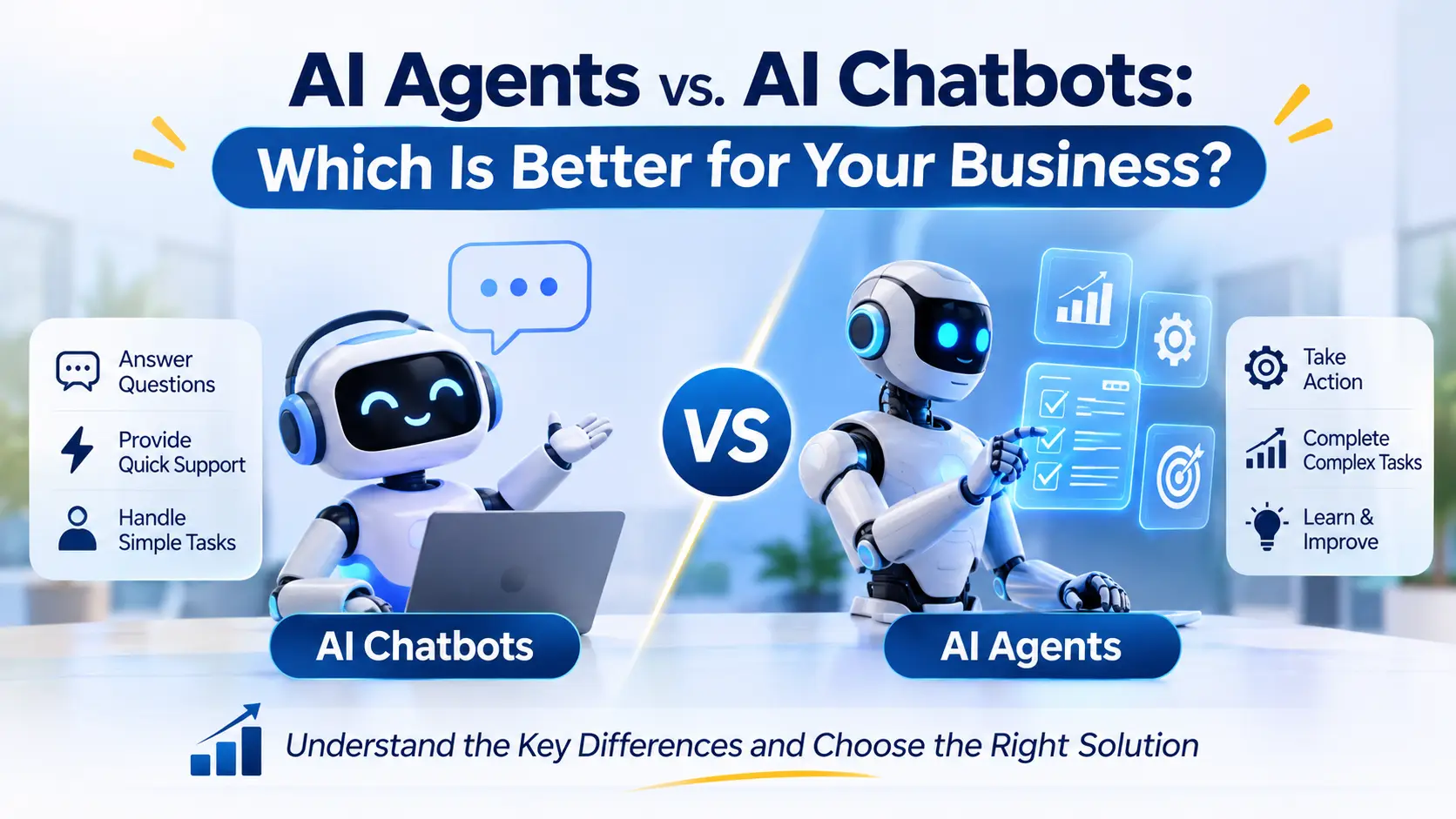
Businesses want faster customer support, better lead management, and less manual work. However, choosing the right AI solution can be confusing. Should you use an AI chatbot to answer questions, or an AI agent to complete business tasks?
Both technologies can help businesses work more efficiently. However, they serve different purposes. An AI chatbot mainly helps users find information and get answers. An AI agent can also work toward a goal and perform tasks using connected business tools.
Choosing the wrong solution can lead to extra costs, poor results, and more work for your team. The right choice depends on your business goals, daily tasks, and existing systems.
In this guide, you will learn how AI agents and chatbots work, where businesses can use them, and how to choose the right solution.
What Is an AI Chatbot?
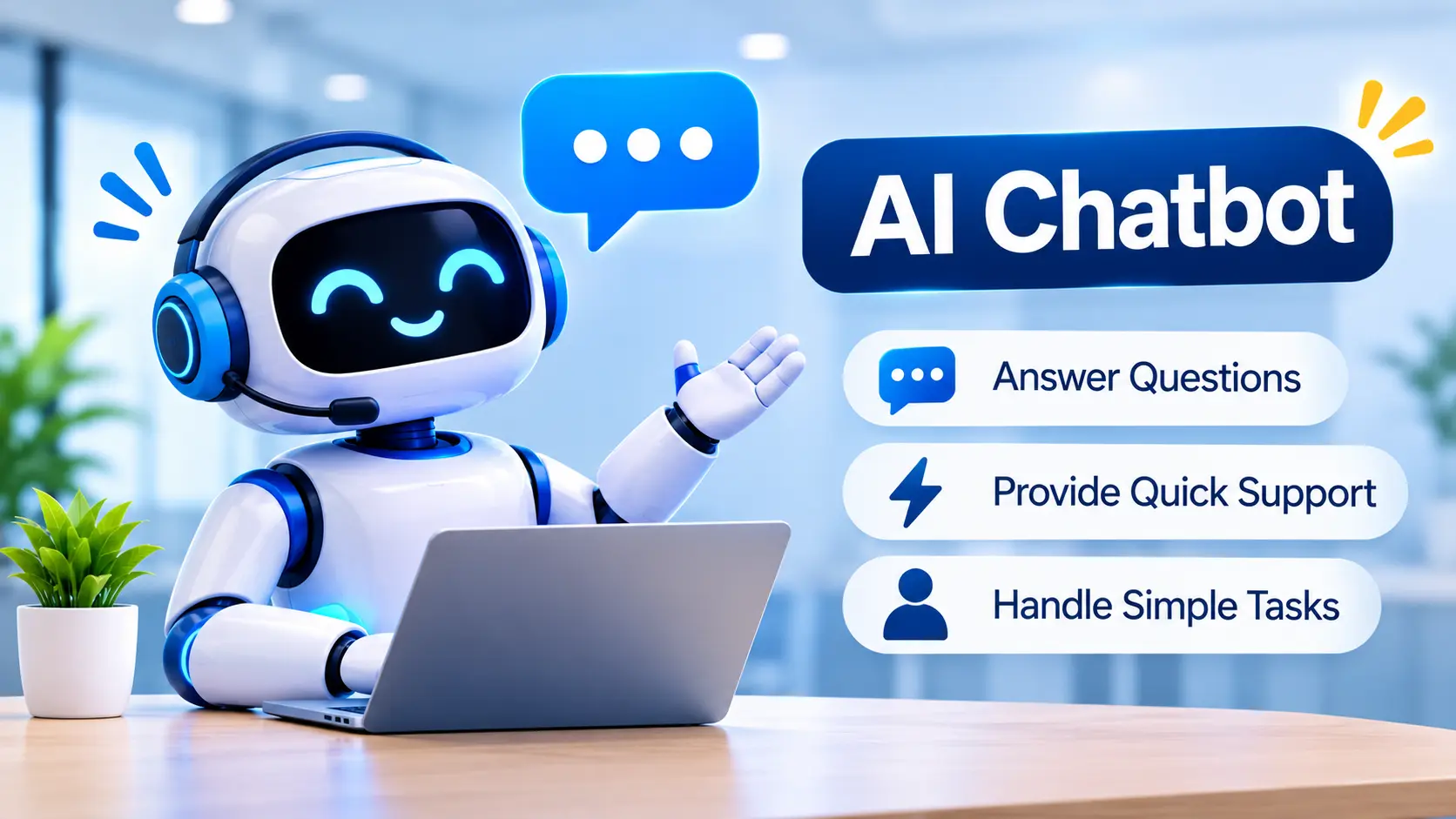
An AI chatbot is a tool that communicates with users through text or voice. It answers questions, shares information, and helps users complete simple tasks.
Modern AI chatbots can understand natural language and respond in a conversational way. They can use business documents, website content, and connected systems to provide relevant answers.
For example, a customer visits your website and asks about your services. The chatbot can explain your services, answer common questions, and guide the customer to the right page.
 How Can AI Chatbots Help Your Business?
1. Answer Customer Questions
Customers often ask the same questions about pricing, services, delivery, and company policies. A chatbot can answer common questions without requiring an employee to respond each time.
2. Generate and Qualify Leads
A chatbot can ask website visitors about their needs, collect contact details, and direct suitable leads to your sales team. This helps your team understand customer requirements before the first conversation.
3. Support Website Visitors
Visitors may leave your website when they cannot find the information they need. A chatbot can guide them to relevant pages, explain services, and answer basic questions.
4. Support Customers Outside Business Hours
A chatbot can provide answers when your team is unavailable. This helps customers access information without waiting for office hours.
5. Help Employees Find Information
Internal chatbots can answer questions about company policies, training materials, and approved documents. Employees can find information without searching through several files.
However, not every chatbot can access live business data or complete actions. These capabilities depend on its integrations, instructions, and permissions.
What Is an AI Agent?
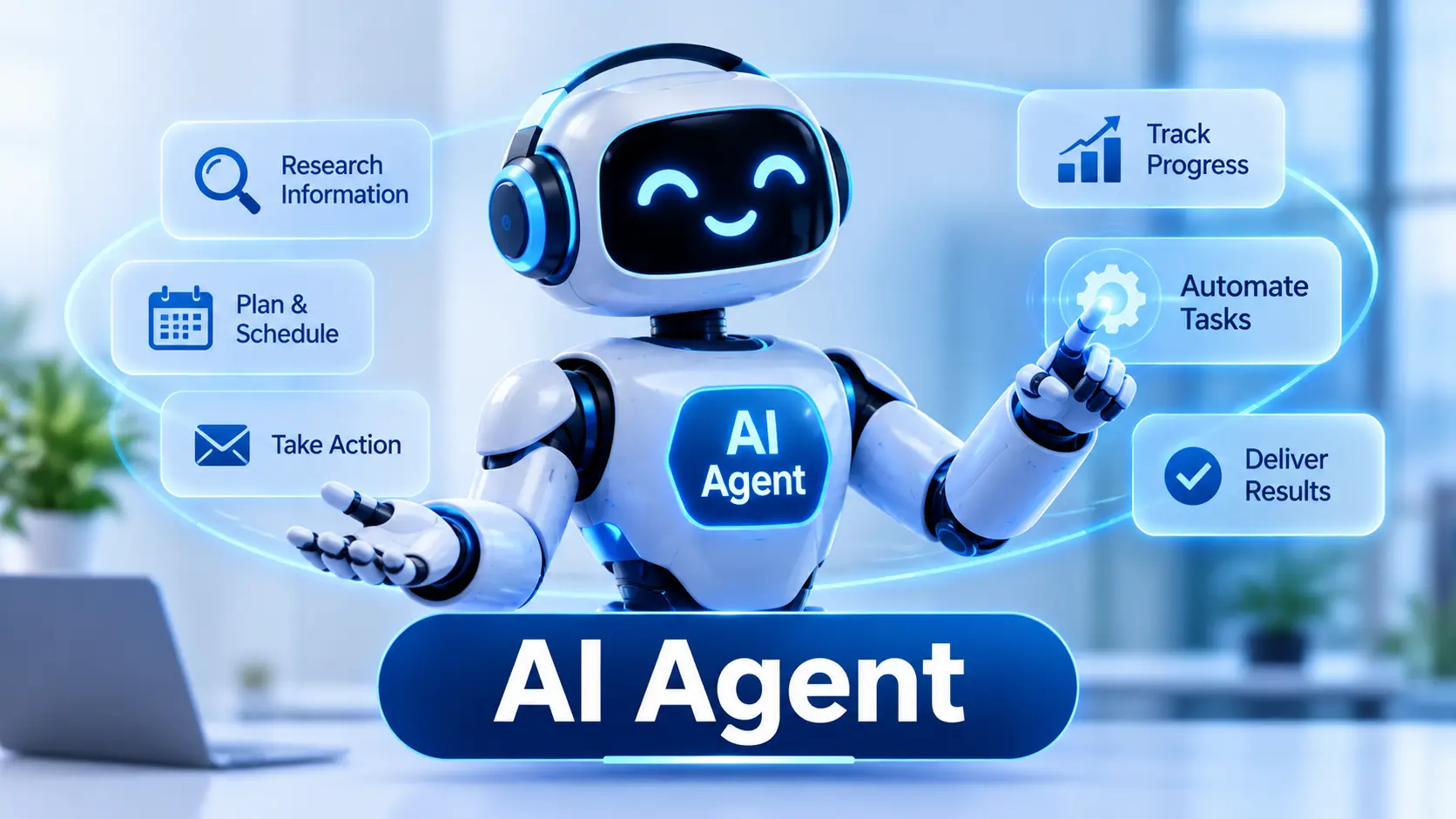
An AI agent is a system designed to work toward a specific goal. It can understand a task, choose suitable steps, and use connected tools to complete the work.
Unlike a basic chatbot, an AI agent can handle workflows that involve multiple steps. Its capabilities depend on the systems it can access and the rules it must follow.
For example, a new lead enters your CRM. An AI agent can review the lead details, organize the information, prepare a follow-up message, and update the CRM record. A team member can review the message before it is sent.
 How Can AI Agents Help Your Business?
1. Automate Sales and CRM Tasks
Sales teams spend time updating records, organizing leads, and preparing follow-ups. An AI agent can help with these tasks by using approved CRM data and business rules.
This gives salespeople more time to focus on customer conversations and important opportunities.
2. Reduce Repetitive Marketing Work
Marketing teams manage campaign reports, content research, lead data, and follow-up activities. AI agents can help collect information, prepare reports, and organize campaign tasks.
Your team can review the results and make the final decisions.
3. Improve Customer Service Workflows
An AI agent can retrieve customer information, check order details, and start approved service processes. It can also pass complex requests to a human employee.
This is useful when a customer request needs more than a simple answer.
4. Support Business Operations
Operations teams often manage orders, inventory, reports, and internal requests. AI agents can help gather data, flag unusual results, and prepare updates.
For example, an agent can review inventory data and alert the team when stock reaches a defined level.
Connect Different Business Tools
Many businesses use separate systems for sales, marketing, customer support, and operations. Employees may need to move information between these systems manually.
AI agents can use approved integrations to connect steps across these tools. This can reduce repeated data entry and help teams manage workflows more consistently.
AI agents still need suitable data, access controls, testing, and human oversight. They should not be treated as completely independent workers.
AI Agents vs. AI Chatbots: What Is the Difference?
The main difference is how each solution handles a task. A chatbot focuses mainly on conversations. An AI agent can also perform actions to reach a defined goal.
| Feature | AI Chatbots | AI Agents |
| Main purpose | Answer questions and guide users | Complete tasks toward a goal |
| Typical work | Conversations and information sharing | Multi-step workflows and actions |
| Tool access | May connect to business tools | Often uses tools to complete tasks |
| Business tasks | Can perform configured actions | Can handle more complex actions within set limits |
| Best use cases | FAQs, website support, lead collection | CRM updates, workflow automation, data gathering |
| Human involvement | Needed for complex requests | Depends on task risk and approval rules |
| Setup | Depends on features and integrations | Often needs more workflow design and testing |
These categories can overlap. Some chatbots can complete actions, while some AI agents have limited capabilities. The actual features and integrations matter more than the product label.
Which Is Better for Your Business?
There is no single answer for every business. The right solution depends on the problem you want to solve.
Choose an AI Chatbot If You Need to:
Answer common customer questions.
Guide visitors through your website.
Collect basic information from potential customers.
Share information about products and services.
Provide support for simple, predictable requests.
A chatbot may be the right starting point if your main challenge is answering repeated questions.
Choose an AI Agent If You Need to:
Automate tasks involving several steps.
Reduce manual data entry across business systems.
Organize leads and prepare follow-up messages.
Gather information from connected tools.
Manage repeatable workflows using business rules.
An AI agent may be more suitable when employees spend too much time completing the same process across multiple systems.
When Should You Use Both?
Some businesses benefit from combining both solutions.
For example, a customer asks a chatbot about an order. The chatbot answers using available order information. If the customer requests a change, an AI agent can check the order details and start the approved update process.
The chatbot manages the conversation. The agent handles the connected workflow.
This approach can improve the customer experience while reducing manual work. However, it requires suitable integrations, clear permissions, and proper testing.
Business Use Cases for AI Chatbots and AI Agents
Different teams face different problems. The following examples show how these solutions can support common business activities.
E-commerce
An AI chatbot can answer product questions, explain delivery policies, and provide order information.
An AI agent can check order records, gather return details, and start an approved return workflow.
Manufacturing
A chatbot can answer questions about product specifications, available services, and enquiry processes.
An AI agent can help organize dealer enquiries, prepare quotation details, check inventory data, and generate internal reports.
For manufacturers, these workflows can help reduce repeated administrative work. The exact capabilities depend on the available business systems.
Professional Services
A chatbot can explain services, answer common questions, and collect enquiry details.
An AI agent can organize leads, prepare client follow-ups, and update CRM records.
This can help service businesses manage enquiries more consistently.
Digital Marketing
A chatbot can answer questions about marketing services and guide visitors to relevant information.
An AI agent can gather campaign data, prepare performance reports, and identify areas that need review.
Marketing teams can then spend more time on strategy and decision-making.
What Should You Consider Before Choosing an AI Solution?
Before investing in AI, review your business needs and existing processes.
1. Identify Your Main Business Problem
Start with a clear question. Are you losing leads because of slow follow-ups? Is your support team answering the same questions daily? Are employees spending hours moving data between tools?
Choose the problem before choosing the technology.
2. Understand the Complexity of the Task
A chatbot may be enough for simple questions and information sharing. A multi-step workflow may need an AI agent or standard automation.
Do not build a complex system when a simpler solution can solve the problem.
3. Check Your Existing Business Systems
Review the tools your team already uses. These may include a CRM, website, marketing platform, inventory system, or customer support software.
Check whether the proposed solution can access the required data securely.
4. Compare Costs and Expected Value
Consider setup costs, software fees, integration work, maintenance, and employee training.
Compare these costs with the expected time savings and improvements in work quality. Start with a small project when possible.
5. Protect Business Data
Give the AI system access only to the information and actions it needs. Protect customer details and business records.
Sensitive actions should have suitable approval rules. Keep a clear record of important automated actions where possible.
6. Test Accuracy and Performance
Test the system with realistic business situations. Check whether it provides correct answers and completes tasks as expected.
Measure errors, time saved, employee feedback, and customer experience. Improve the system before expanding its role.
Common Mistakes to Avoid When Using AI
AI can help businesses improve their workflows, but poor planning can create new problems.
Avoid these common mistakes:
Choosing AI without a clear goal: Start with a real business problem.
Using an agent for every task: Simple automation may be enough for predictable work.
Ignoring data quality: Incorrect or incomplete information can lead to poor results.
Connecting systems without proper controls: Limit permissions and protect sensitive information.
Automating without testing: Check the system before using it in important workflows.
Ignoring maintenance costs: AI systems need monitoring, updates, and improvements.
Expecting guaranteed results: Measure actual performance instead of assuming AI will solve every problem.
The best approach is to start with one useful task, measure the results, and expand when the solution proves its value.
How to Get Started With AI Business Automation
You do not need to automate your entire business at once. Start with one workflow that creates a clear problem for your team.
Step 1: Identify a repetitive task. Find work that takes time and follows a reasonably clear process.
Step 2: Map the workflow. List the steps, people, systems, and decisions involved.
Step 3: Choose the right solution. Compare a chatbot, an AI agent, and traditional automation.
Step 4: Start with a small project. Test the solution with real business scenarios and suitable safeguards.
Step 5: Measure the results. Review time saved, accuracy, errors, and feedback from employees.
Step 6: Improve and expand. Make changes based on the results before automating additional workflows.
An AI consultant can help assess your business needs, identify suitable use cases, and plan the right implementation approach.
Frequently Asked Questions
1. What is the main difference between AI agents and AI chatbots?
An AI chatbot mainly answers questions and communicates with users. An AI agent can also use connected tools to complete tasks toward a defined goal.
2. Are AI agents better than AI chatbots?
Not always. Chatbots work well for simple conversations. AI agents are useful for workflows that require multiple steps and actions.
3. Can an AI chatbot perform business tasks?
Yes. Some chatbots can perform actions through connected tools. Their capabilities depend on their design, integrations, and permissions.
4. Can small businesses use AI agents?
Yes. Small businesses can start with suitable tasks such as organizing leads, preparing reports, or updating records. The solution should fit their needs and budget.
5. Do AI agents replace employees?
AI agents can automate certain repetitive tasks. However, employees are still important for decisions, customer relationships, complex situations, and quality checks.
6. Can AI agents and chatbots work together?
Yes. A chatbot can handle customer conversations while an AI agent completes approved tasks behind the scenes.
7. Are AI agents safe for business use?
They can be used with suitable safeguards. Businesses should control access, protect data, test workflows, and require approval for sensitive actions.
8. How do I choose the right AI solution?
Start by identifying your main business problem. Then compare task complexity, available data, integrations, cost, security, and expected value.
Conclusion: Choose AI Based on Your Business Needs
AI chatbots and AI agents can both help businesses improve their daily work. However, they solve different types of problems.
A chatbot is a good choice for answering questions, guiding visitors, and collecting lead information. An AI agent can help automate multi-step tasks, connect business tools, and reduce repetitive work.
The right solution depends on your goals, existing systems, budget, and workflow needs. Some businesses may only need a chatbot. Others may benefit from AI agents or a combination of both.
Start by identifying one task that takes too much time. Assess whether AI can improve that process, and test the solution before expanding it.
Not sure which AI solution is right for your business?
Get expert guidance to identify suitable use cases and plan your AI business automation strategy.
Popular Post
AI Agents vs. AI Chatbots: Which Is Better for Your Business?
Businesses want faster customer support, better lead management, and less manual work. However, choosing the...
How to Automate Lead Generation and Follow-Ups Using AI
Many businesses spend money on marketing to generate leads. They run Google Ads, publish social...
What Are The 7 Cs of Social Media Marketing?
The 7 Cs of Social Media Marketing are Content, Community, Conversation, Connection, Consistency, Credibility, and...
