How to Automate Lead Generation and Follow-Ups Using AI
November 12 , 2026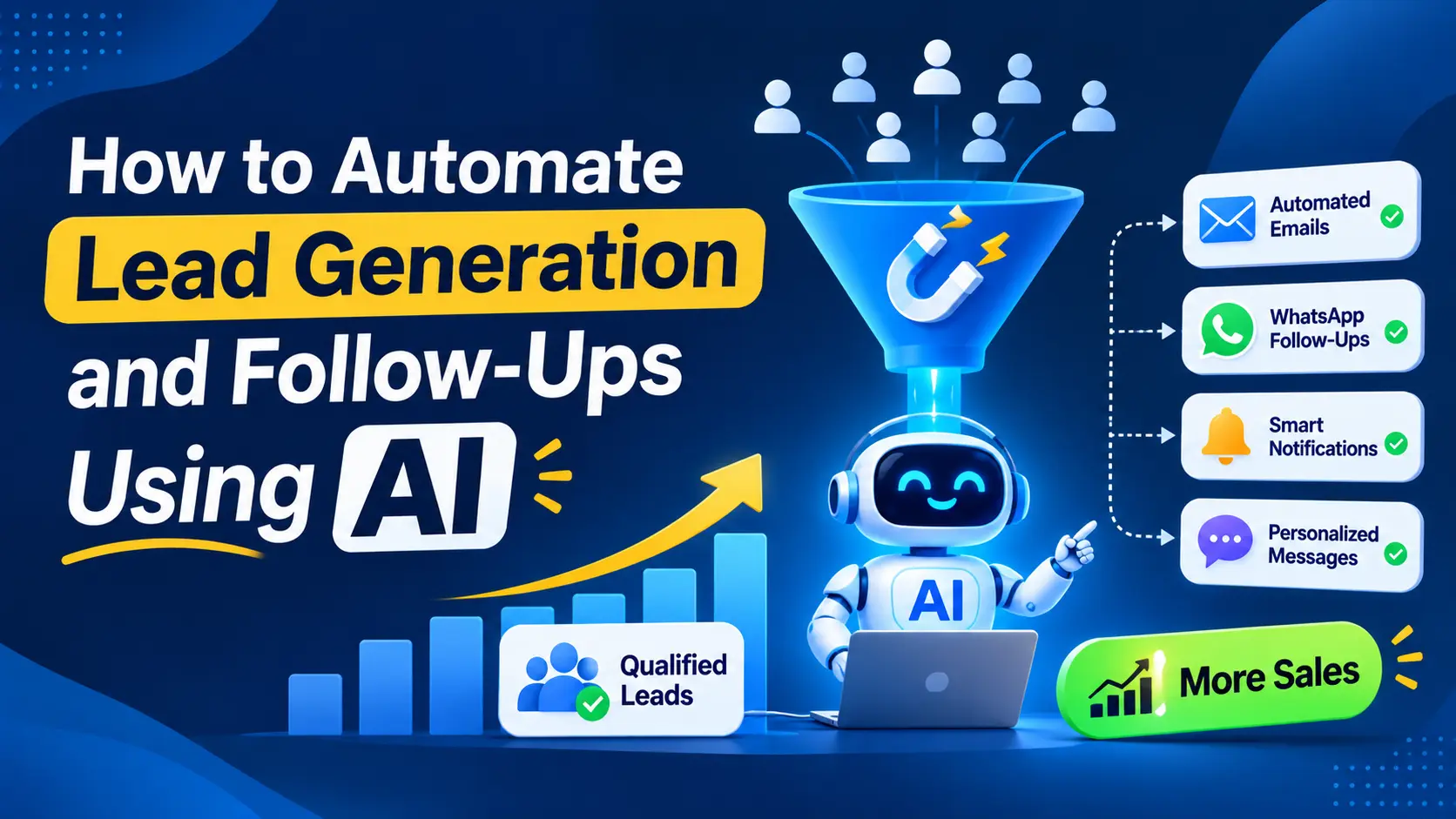
Many businesses spend money on marketing to generate leads. They run Google Ads, publish social media content, improve their websites, and collect customer enquiries. But what happens after a lead arrives?
Some leads wait hours for a response. Others receive one message and never hear from the business again. Sales teams may also spend too much time entering data, sorting enquiries, and sending the same follow-up messages.
These problems can cause businesses to lose potential customers.
AI automation can help businesses manage this process more effectively. It can capture enquiries, qualify leads, send relevant follow-ups, and help sales teams decide which prospects need attention first.
In this guide, you will learn how AI-powered lead generation and follow-up automation works, which tasks you can automate, and how to build a system that supports business growth.
What Is AI-Powered Lead Generation and Follow-Up Automation?
AI-powered lead generation automation uses artificial intelligence and automated workflows to manage parts of the customer acquisition process.
It helps businesses collect potential customer details, understand their needs, and guide them towards the next step.
For example, a person visits your website and fills out a contact form. The system records the enquiry, sends an acknowledgement, and adds the lead to your customer relationship management (CRM) system.
AI can then help understand the enquiry, identify the person’s needs, and suggest a suitable response. The system can also assign the lead to the right salesperson and schedule follow-up reminders.
Traditional automation follows fixed rules. AI adds the ability to understand messages, summarize information, and create more relevant responses.
However, AI does not replace the entire sales process. Human involvement remains important for complex questions, pricing decisions, negotiations, and important customer relationships.
Why Do Businesses Lose Leads After Generating Them?
Generating leads is only one part of the sales process. Businesses must also respond, follow up, and help potential customers make decisions.
Here are some common problems that affect lead conversion.
1. Slow Responses to New Enquiries
A potential customer may contact several businesses while comparing solutions. If your business responds too late, the customer may speak with another provider first.
An automated acknowledgement can confirm that the enquiry has been received. AI can also help prepare an initial response based on approved business information.
2. Missed Follow-Ups
Sales teams manage many enquiries at the same time. They may forget to contact someone who requested a quotation or showed interest earlier.
Automated reminders and follow-up workflows help teams keep track of these leads.
3. Poor Lead Qualification
Not every enquiry is a good fit for your business. Some prospects may have different needs, budgets, timelines, or buying intentions.
AI can help organize enquiry details and compare them with your ideal customer profile. Sales teams can then focus on prospects that match their business goals.
4. Disconnected Marketing and Sales Tools
Leads may arrive through website forms, Google Ads, social media, email, and messaging platforms. If these sources are not connected, important information can remain scattered.
Connecting these tools with a CRM helps create a central record of each lead and its communication history.
5. Repetitive Manual Work
Sales and marketing teams often copy contact details, prepare similar emails, update spreadsheets, and create reports manually.
Automation can handle many of these repetitive tasks. This gives teams more time to speak with customers and close sales.
How AI Automates Lead Generation and Follow-Ups
A useful AI automation system connects lead capture, qualification, communication, and sales follow-up.
Here is how the process can work.
Step 1: Capture Leads From Different Channels
The first step is to bring new enquiries into one system.
Leads may come from:
- Website contact forms and landing pages.
- Google Ads and social media campaigns.
- Email enquiries.
- Website chatbots.
- WhatsApp or other business messaging channels.
- Webinar registrations and content downloads.
Integrations can send these enquiries to a CRM automatically. The system can record the lead source, contact details, enquiry date, and requested service.
This helps businesses understand where their leads come from and reduces manual data entry.
Step 2: Send an Immediate Acknowledgement
After receiving an enquiry, the system can send a short confirmation message.
For example:
“Thank you for contacting us. We have received your inquiry and will review your requirements shortly.”
This message confirms that the enquiry has reached the business. It should not promise a response time that the team cannot meet.
AI can also help answer common questions using approved company information. Questions that need personal attention can be passed to a team member.
Step 3: Qualify Leads Using AI
Lead qualification helps businesses understand whether a prospect matches their target customers.
AI can review the information provided through a form or conversation. It can help identify the prospect’s needs, industry, budget range, timeline, and requested service.
For example, a software company may receive enquiries from startups, growing businesses, and large enterprises. AI can organize these enquiries according to the company’s qualification rules.
The system can then suggest which leads need immediate attention.
However, AI should not reject valuable prospects based only on incomplete information. Sales teams should review uncertain cases and important decisions.
Step 4: Assign Leads to the Right Salesperson
Once a lead is qualified, the system can assign it to the correct team member.
For example, a company may assign leads based on service type, location, industry, or salesperson availability.
The CRM can create a task and notify the assigned salesperson. It can also record when the lead was received and whether anyone has contacted the prospect.
This reduces confusion and helps teams take responsibility for each enquiry.
Step 5: Send Personalized Follow-Up Messages
A single follow-up message may not be enough to move every prospect forward. Some people need more information, while others may need time to make a decision.
AI can help prepare follow-up messages based on the prospect’s original enquiry and previous communication.
For example:
- A person requesting a quotation may receive a message asking if they need any further details.
- A prospect comparing services may receive a relevant case study.
- Someone who is not ready to buy may receive useful educational content.
- A prospect requesting a meeting may receive a booking link.
Automated workflows can schedule these messages based on clear rules. AI can help adjust the message to match the prospect’s needs.
Follow-ups should remain useful and respectful. Stop automated messages when someone replies, declines further contact, or asks to unsubscribe, as applicable to the channel.
Step 6: Track Every Lead in Your CRM
A CRM helps businesses store contact details, enquiry history, assigned owners, and follow-up activities in one place.
When connected with automation tools, it can update lead status and create tasks without repeated manual work.
For example, a lead may move through these stages:
New enquiry → Contacted → Qualified → Meeting booked → Proposal sent → Won or lost.
The system can also remind salespeople when an important action is due.
This gives managers a clearer view of the sales pipeline and helps prevent enquiries from being forgotten.
Step 7: Review Results and Improve the Workflow
Automation should be checked regularly. A system that sends many messages is not automatically a successful system.
Businesses should review lead quality, response times, meetings booked, and sales conversions.
They should also check whether AI responses are accurate and whether messages reach the right people.
These findings can help teams improve their qualification rules, follow-up timing, and communication process.
AI Automation vs. Manual Lead Follow-Ups
Both approaches have a place in the sales process. The main difference is how repetitive tasks are handled.
| Activity | Manual process | AI-powered automation |
| Lead capture | Team members enter details | Connected tools record enquiries |
| First response | Staff reply when available | Acknowledgements can be sent automatically |
| Lead qualification | Staff review each enquiry | AI organizes details and suggests priority |
| Follow-up reminders | Staff track tasks manually | The system creates scheduled reminders |
| Message preparation | Staff write each message | AI can prepare relevant drafts |
| Lead tracking | Spreadsheets or separate tools | CRM records activity in one place |
| Sales decisions | Human judgment | Human judgment supported by AI insights |
Automation can reduce repetitive work, but it does not guarantee more sales. Businesses still need good offers, relevant leads, clear communication, and skilled salespeople.
Real-World Examples of AI Lead Follow-Up Automation
Different businesses can use AI automation in different ways. The right workflow depends on how they generate leads and sell their services.
Example 1: A Digital Marketing Agency
A business owner submits a form requesting SEO services.
The system records the enquiry, sends a confirmation email, and adds the lead to the CRM. AI summarizes the business owner’s requirements and helps prepare questions for the first call.
The sales team receives the lead details and a follow-up task. This helps the team prepare for a more useful conversation.
Example 3: A B2B Service Company
A company receives enquiries from businesses looking for a quotation.
AI can organize the requirements, identify missing details, and prepare a summary for the sales team. The CRM can assign the enquiry and create a reminder for the next follow-up.
This reduces repetitive work and helps salespeople focus on understanding customer needs.
These are examples of possible workflows. Actual results depend on the quality of the data, the tools used, and how well the process is managed.
How to Get Started With AI Lead Generation Automation
You do not need to build a complex AI system from the beginning. A simple, well-planned workflow can be a useful first step.
Follow this process:
- Review your current process. Identify where leads arrive, who handles them, and where delays happen.
- Choose one workflow. Start with lead capture, first responses, or follow-up reminders.
- Select suitable tools. Check whether your website, CRM, email platform, and messaging tools can connect.
- Define the rules. Decide how leads are qualified, assigned, contacted, and passed to a person.
- Test with a small group. Check the messages, data flow, and follow-up actions before expanding.
- Measure the results. Review response times, qualified leads, meetings, and conversions.
- Improve gradually. Fix problems and automate more tasks only when the first workflow works well.
The best starting point is usually the process that wastes the most time or causes the most missed opportunities.
How to Measure the Success of AI Lead Automation
Choose a few key performance indicators (KPIs) that match your business goals.
Lead response time: How long does it take to respond to a new enquiry?
Lead-to-meeting rate: What percentage of leads book a meeting?
Lead qualification rate: What percentage of enquiries match your target customer profile?
Lead-to-customer conversion rate: What percentage of leads become paying customers?
Cost per qualified lead: How much does your business spend to generate a qualified lead?
Follow-up completion rate: How many planned follow-ups happen on time?
Sales team time saved: How much manual work has been reduced?
Compare these numbers over time. Where possible, compare similar lead sources and periods. This will help you understand whether automation is improving results.
Frequently Asked Questions
- Can AI follow up with leads automatically?
Yes. Automation tools can send an instant acknowledgement and timed follow-ups by email, WhatsApp, or SMS, based on what the lead does. Set the schedule and message content in advance, get proper consent, and have a person handle replies that need judgement. - How fast should I respond to a new lead?
As fast as you realistically can. The HBR study found that companies replying within an hour were far more likely to reach a decision maker than slower ones. It is an older US study, so treat it as a guide. An automated acknowledgement within minutes is a practical target, with a human reply following soon after. - Can AI qualify leads without a salesperson?
It can do the first pass. Rules and AI can score a lead based on your criteria and read free-text answers. Salespeople should still review borderline leads and decide what “qualified” means for your business. - What is the difference between lead generation and lead nurturing?
Lead generation brings in new enquiries. Lead nurturing builds the relationship with people who are not yet ready to buy, through useful messages over time. Automation can support both. - Will automated follow-ups feel robotic to customers?
They can if the messages are generic. Short, specific messages that refer to the buyer’s actual enquiry and offer a clear next step feel helpful. Make it easy to reach a human at any point. - How long does it take to set up lead automation?
It depends on your tools, the number of lead sources, and how clear your sales process is. A basic setup, such as an acknowledgement plus routing, is faster than a full system with scoring and a chatbot. Starting with one problem usually works best.Conclusion
Generating leads is important, but managing those leads properly is just as important. Delayed responses, missed follow-ups, disconnected tools, and manual tasks can prevent businesses from turning enquiries into customers.
AI automation can help businesses capture leads, organize information, qualify prospects, and manage follow-ups more consistently. It can also give sales teams more time for meaningful customer conversations.
However, successful automation needs accurate data, clear rules, suitable tools, and human oversight. Businesses should start with one problem, measure the results, and improve the process over time.
At Rushik Shah, AI marketing automation and business automation focus on reducing manual work and helping businesses manage their leads more effectively.
Want to improve your lead management process?
Visit rushikshah.com to discuss how AI automation and digital marketing can support your business goals.
Popular Post
How to Automate Lead Generation and Follow-Ups Using AI
Many businesses spend money on marketing to generate leads. They run Google Ads, publish social...
What Are The 7 Cs of Social Media Marketing?
The 7 Cs of Social Media Marketing are Content, Community, Conversation, Connection, Consistency, Credibility, and...

Google Removed FAQ Rich Results, But FAQs Still Help AI Find and Cite Your Website
Short Answer: Yes, FAQs Still Matter More Than Ever Google removed FAQ rich results. A...
